
From your idea to a character in motion.
Turn a prompt or image into a textured, rigged character for your game. Add motion. Export FBX or GLB.
300 free credits each month. No credit card required.
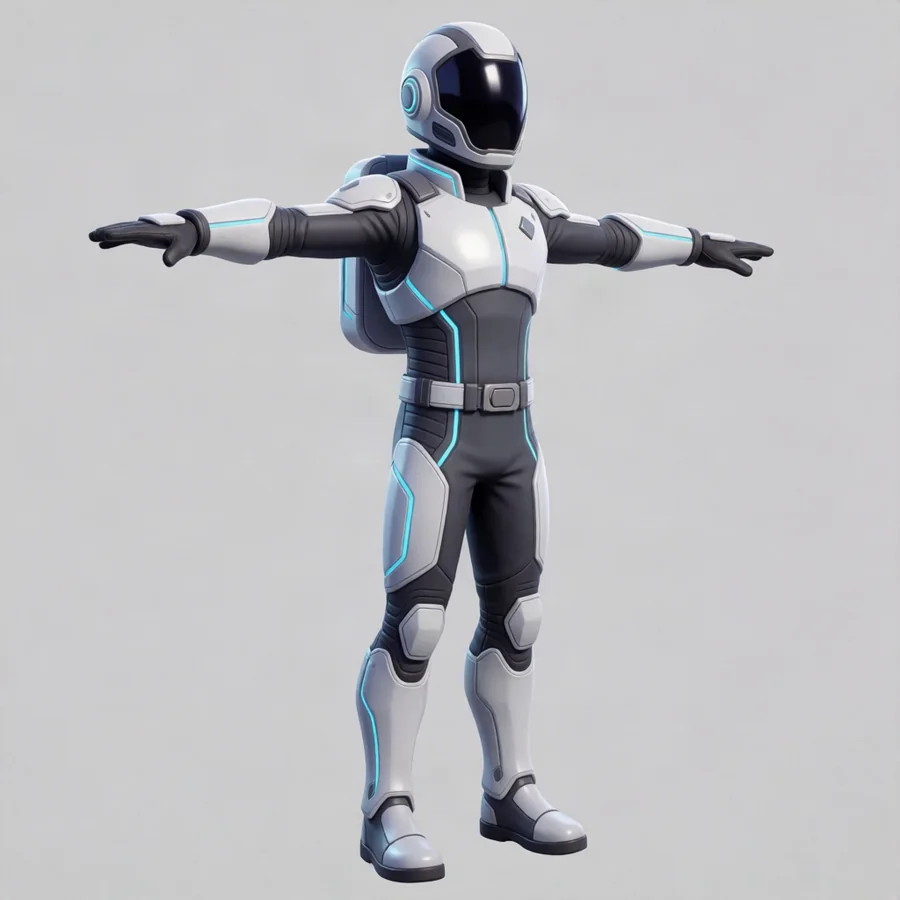
Concept image from a text prompt.
Vega Scout
7,468 quads24 joints6 motions
No signup required.
Hundreds of humanoid motions
Apply walks, fights, dances, and everyday actions to your character.
Questions
What do I get from a generation?
A textured 3D model you can inspect in the browser — orbit it, play its animations, check the wireframe — and download in seven formats: GLB, USDZ, FBX, OBJ, STL, 3MF, and PLY. CAD parts additionally export the exact STEP file.
How do credits work?
Every operation shows its exact price in credits before you run it. The amount is held when a job starts and only captured when it succeeds — a failed generation releases the hold automatically, and the panel says so plainly: you were not charged.
What should my input images look like?
Clean subject, plain background, and the object fully in frame. For anything you plan to rig, use an A- or T-pose with arms and legs clearly separated — there is a pose control in the generator that steers this for you.
How does rigging work?
Give it a textured humanoid in an A- or T-pose and it returns a skinned, animation-ready character in about two minutes. Humanoids only for now — keep props out of the character's hands and limbs separated for the cleanest bind.
Your first character starts here.
300 free credits each month. No credit card required.
Create your first characterExample: one character + one motion
- Text to textured model
- 165 credits
- Humanoid rig
- 25 credits
- One library motion
- 40 credits
- Example total
- 230 credits